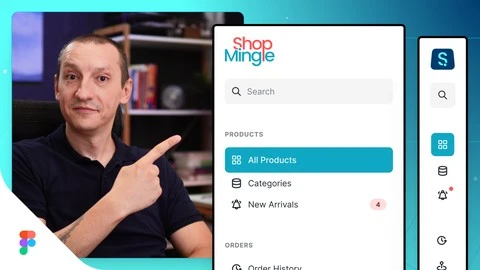
What you’ll learn
- Pick the right icons for a design project.
- Use a design system to pick the right colors and brand assets.
- Use Figma auto-layout to easily align and space elements.
- Use Figma components and variants to save time and work more efficiently.
- Work with variables and layer styles.
- Animate a Figma prototype to create a smooth transition between the collapsed and expanded version of the sidebar.
I’m a passionate web designer and front-end developer with over 10 years of experience. For the past few years, I’ve been dedicated to sharing my knowledge through video tutorials and courses.
My goal is to help you master Figma and Webflow by creating concise and practical classes, so you can learn fast and design faster.
Outside of work, I’m a big animal lover and enjoy spending time with my furry and feathery friends.
Let’s learn and grow together!