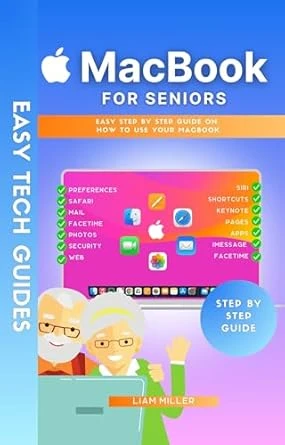
Feeling lost with your new MacBook? Confused by its numerous features and unsure where to begin?
Presenting “MacBook for Seniors” – a user-friendly, comprehensive guide crafted to help you confidently navigate and utilize your MacBook. This book simplifies modern technology into clear, step-by-step instructions, making it your ideal companion for mastering your device.
Here’s a preview of what you’ll find inside:
- Senior-Centric MacBook: Learn why the MacBook is an excellent choice for those new to technology, with a focus on accessibility and user-friendliness.
- Starting Off Right: A detailed guide to unboxing and setting up your MacBook, ensuring a seamless beginning to your digital journey.
- Customizing Your Experience: Easy tips to personalize settings, sounds, and visuals to match your preferences, making your MacBook work for you.
- Harnessing Siri: Discover how to use voice commands to manage tasks, set reminders, and get answers, making Siri your helpful digital aide.
- Keeping in Touch: Step-by-step instructions on messaging, video calling, and using social media to stay connected with friends and family.
- Browsing and Email: Straightforward guidance on navigating the internet and managing emails, keeping you connected to the information and people that matter most.
- And Much More!
“MacBook for Seniors” is designed with your needs in mind, turning technology from a challenge into an empowering tool for communication and productivity. With this guide, you’ll become adept at using your MacBook, embracing the digital world with confidence.
Don’t let your MacBook overwhelm you. Take control and click “BUY NOW” to embark on your path to digital independence today!