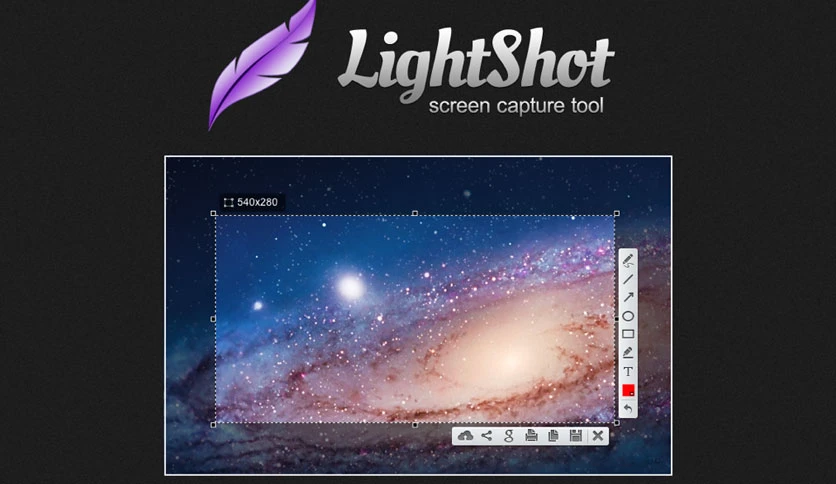
Free Download LightShot, the latest standalone offline installer for macOS. It allows you to capture any part of your Mac screen.
Overview of LightShot for macOS
It is a versatile screenshot tool compatible with MacOS, ensuring that Mac users have a reliable and easy-to-use solution for capturing their screens. A simple and intuitive design allows users to capture selected areas, specific windows, or the entire screen effortlessly.
The tool seamlessly integrates with the system, providing a smooth experience without unnecessary complications. Its functionality extends beyond primary screen capturing, offering a range of features that enhance the overall user experience. It is not just about capturing screenshots;
Features of LightShot for macOS
- Fast screenshot of the selected area
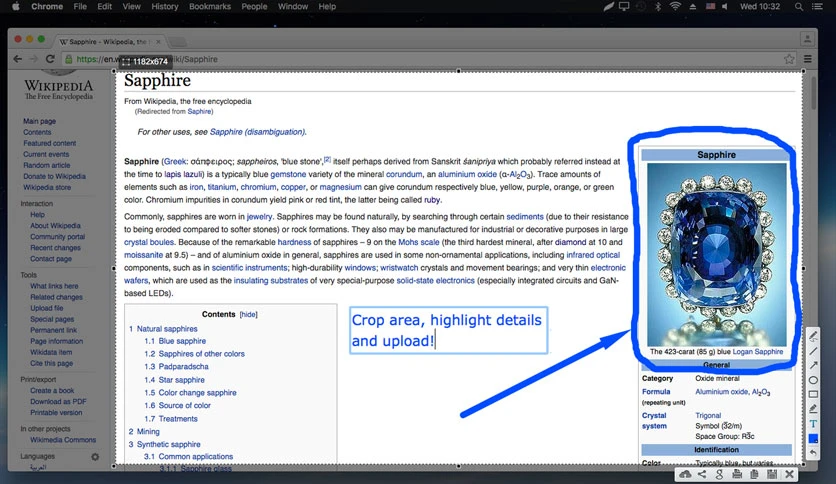
Our app allows you to select any area on your desktop and take its screenshot with two button-clicks. - Easy-to-use application
A simple and intuitive user interface makes your work with the app more accessible and faster. - Share screenshots via the Internet
Upload your screenshot to the server and get its short link right away. - Powerful editors
You can edit screenshots instantly when taking them or later using a powerful online editor. - Similar image search
Find similar images. Select any image on your screen and find dozens of similar photos.
Technical Details and System Requirements
macOS 10.7 or later
Conclusion
Its user-friendly interface, powerful features, and seamless integration with MacOS make it a must-have tool for Mac users. The ability to customize capture areas, annotate images, and instantly share screenshots simplifies the entire screenshot process.
FAQs
Q: Can I use It on multiple Mac devices?
A: Yes, It is designed to be cross-platform compatible. You can use it on multiple Mac devices without any issues.
Q: Does It support capturing specific windows?
A: Absolutely! It allows you to capture specific windows, selected areas, or the entire screen, providing flexibility in your screenshot options.
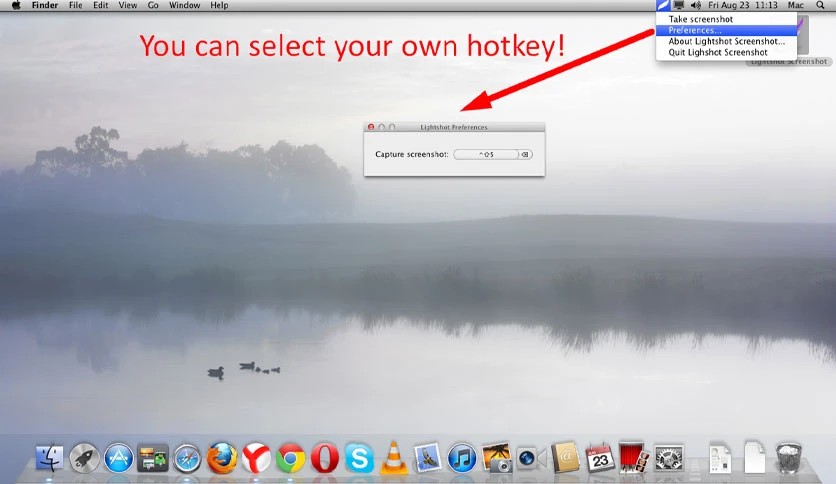
Q: How do I customize the hotkeys?
A: You can customize the hotkeys by accessing the settings menu and assigning your preferred shortcuts for various actions.
Q: Can I edit my screenshots?
A: It offers quick edit options, allowing you to adjust your screenshots directly within the application.
Q: Does It provide cloud storage integration?
A: It seamlessly integrates with popular cloud storage services, allowing you to store and access your screenshots from anywhere.
Leave a comment
Your email address will not be published. Required fields are marked *