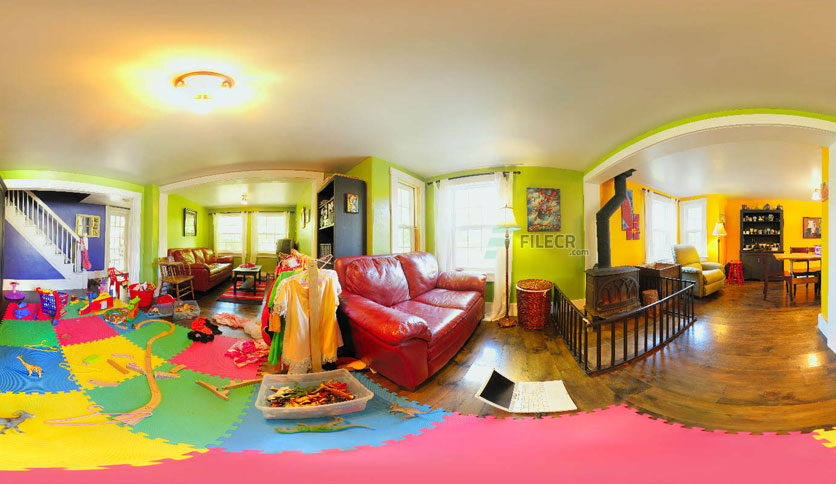
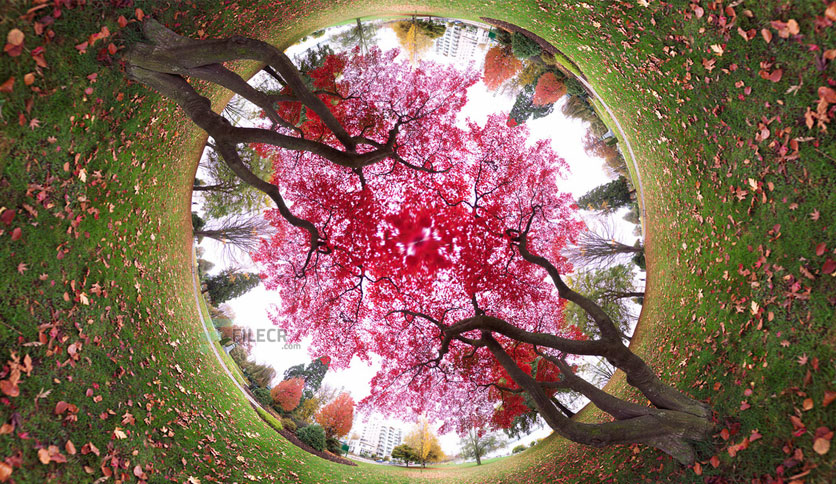
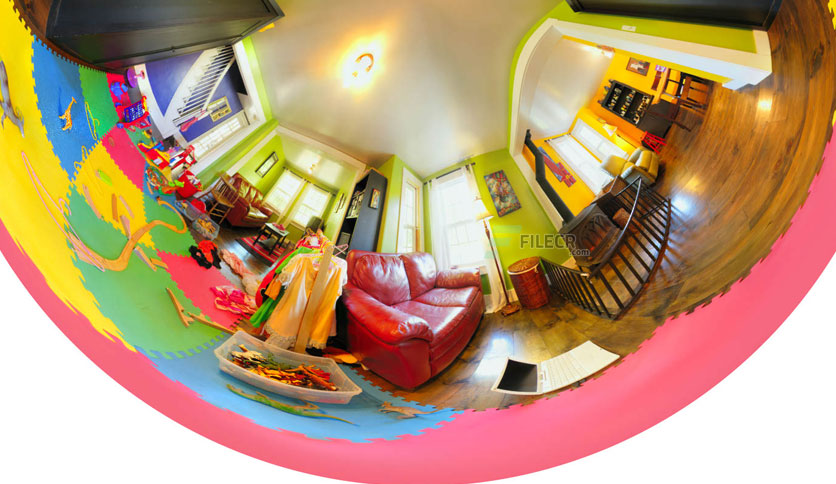
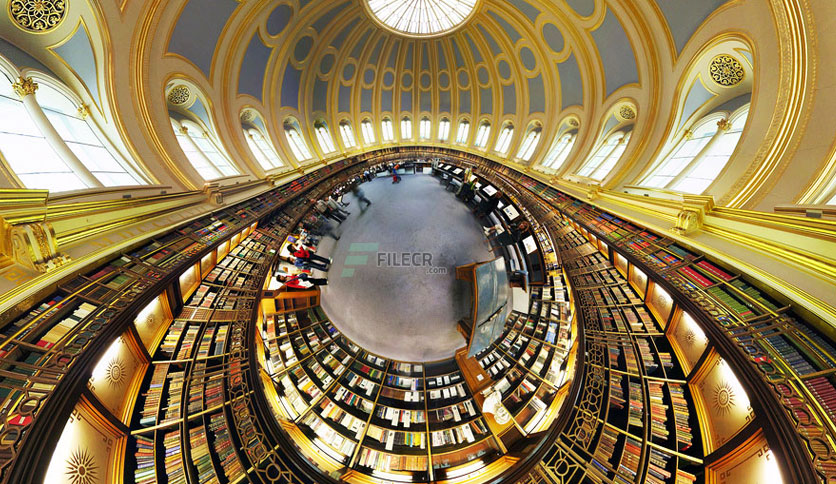
Free Download Flaming Pear Flexify 2 for Adobe Photoshop full version standalone offline installer for Windows. It is a Photoshop plug-in for panoramas, polyhedra, and maps.
You can also FREE download Gravit Designer.
Overview of Flaming Pear Flexify 2 for Adobe Photoshop Benefits
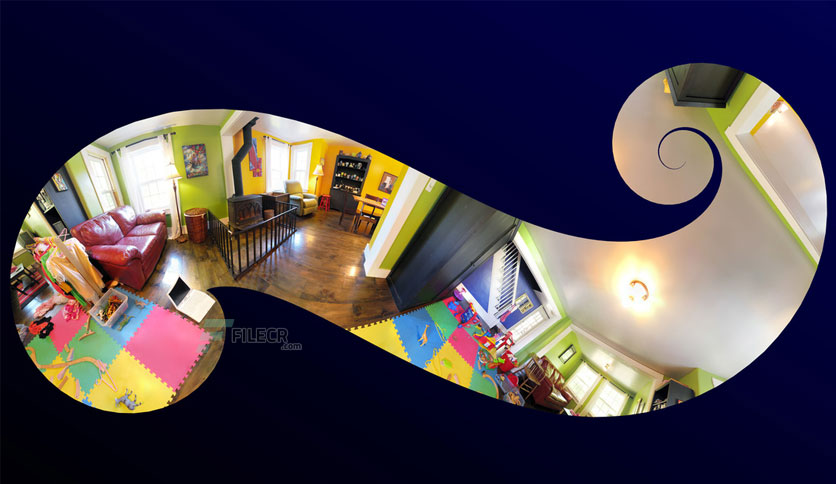
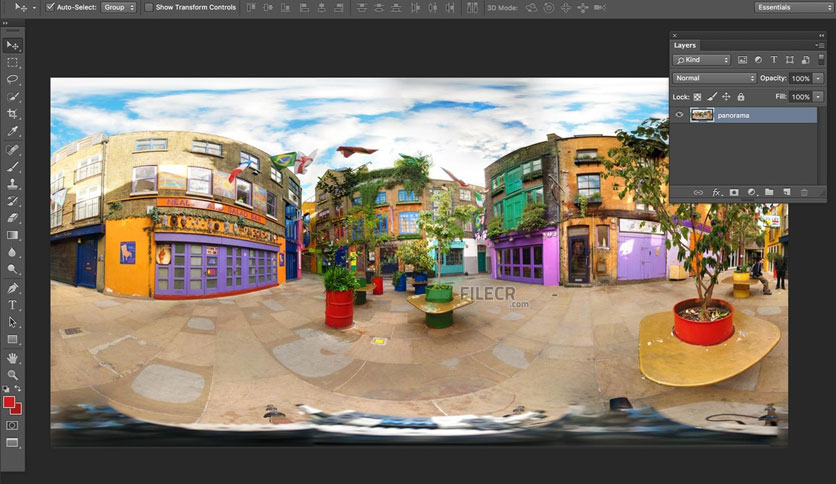
Want to turn a picture of your kids into a cube, print your photos with origami folds, or make your house look like it is reflected in a mirrored sphere? These are just a few things you can do with Flexify! With Flexify, you can bend spherical panoramas into vertiginous new shapes. Make hyper-wide-angle views, print panoramas and maps as foldable solids and ‘globe gores,’ simulate impossible lenses and more. Bend spherical panoramas into vertiginous new shapes.
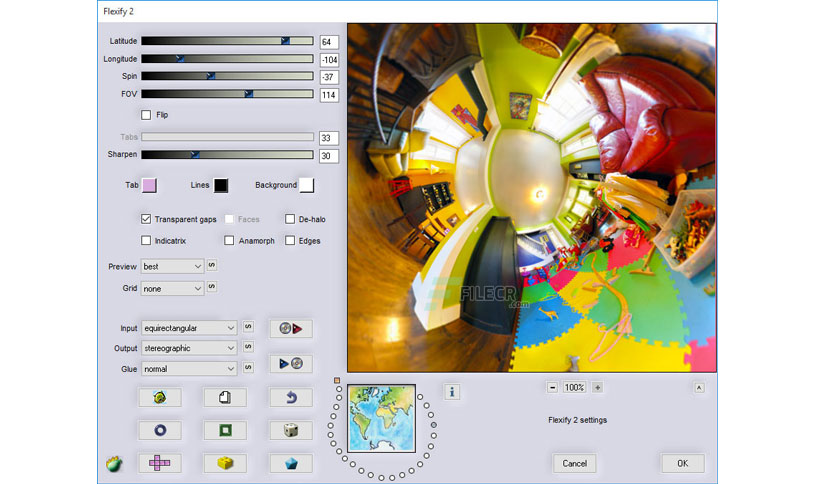
Warp HDR panoramas for retouching. Make hyper-wide-angle views. Simulate impossible lenses. Memory dots for quick access to favorite settings. Export 3D panorama models. Handle images up to 30,000 pixels square.
Plus: 8/16/32-bit color. Over one hundred fifty projections, including origami, Omnimax, Lego plans, cube environments, Winkel Tripel maps, Peirce Quincuncial, and a spikeball. One-click to iPhoto. Export custom-size PSDs. Sharpening and polyhedron options. Automatic Flickr-friendly tags. Make LDraw files. Export polyhedron faces. Twenty-four kinds of input include equirectangular, polar, mirror ball, cylindrical, orthographic, Mollweide, fisheye, globe-gores, tiles, Mercator, and Mylar balloons.
How to install / use Pear Flexify 2 for Adobe Photoshop Features
- Flexify 2 Installing plugins into Photoshop for Windows
- The plugin you downloaded comes as a “zipped” file.
- Your computer may unzip it automatically. If not, unzip it with WinZip.
- You’ll get an unzipped folder.
- You have a folder on your hard drive called…
- PhotoshopPlugins, or PhotoshopPlug-Ins, or PhotoshopPlug-InsFilters.
- Drag the plugin into that folder. “?:/Program Files/Adobe Photoshop CS ?/Plug-Ins”
- Quit Photoshop and restart it.
- The plugin is now installed. To use it,
- Open any RGB-mode image and select an area.
- From the menus, choose the plugin you want to use.
- If the Filters menu is greyed out, it’s because your image is not in RGB mode. Change to RGB mode and it should work.
- Included in this download are numerous examples of what you can do with this plugin, presets, a html help guide, and all the information you’ll need to create something spectacular asap.
Leave a comment
Your email address will not be published. Required fields are marked *