Free Download SysTools Image Converter full version standalone offline installer for Windows; it easily converts images to multiple formats.
Overview of SysTools Image Converter
Convert multiple image types such as .jpg, .jpeg, .jpe, .gif, .png, .bmp, .icon, .tiff, .emf, .exif, .wmf, .memorybmp, .jfif, .ico, .ccitt, & .tga into several file formats.
Features of SysTools Image Converter
- Convert Images to PDF, DOC, DOCX, HTML, and TEXT (BASE64) file formats
- Support to Export multiple Images in bulk without losing their quality
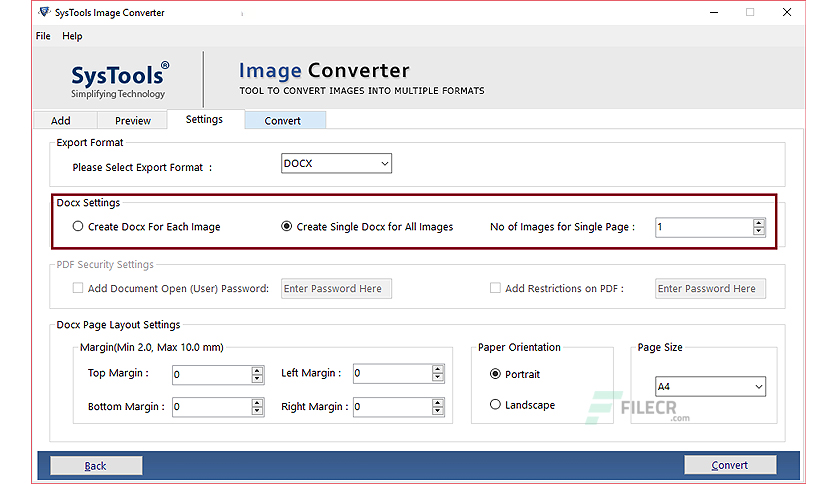
- Option to Create and Save All Images in a Single DOC, DOCX file
- Avail Option to Create a Single file for Each Image
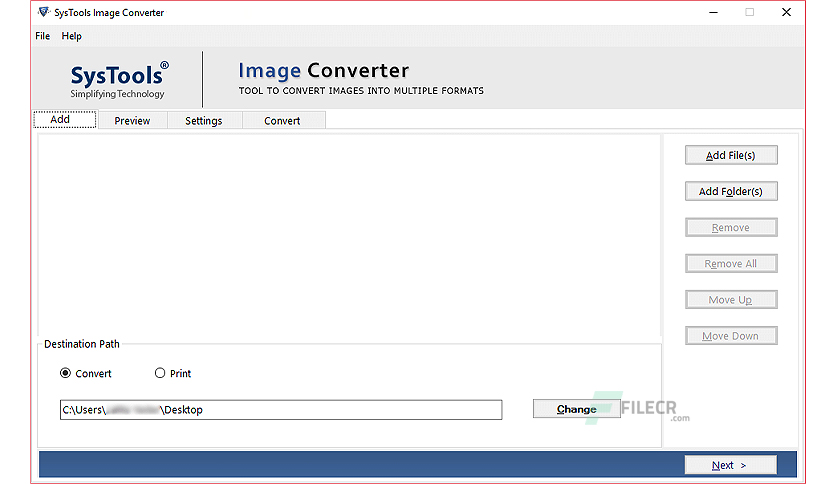
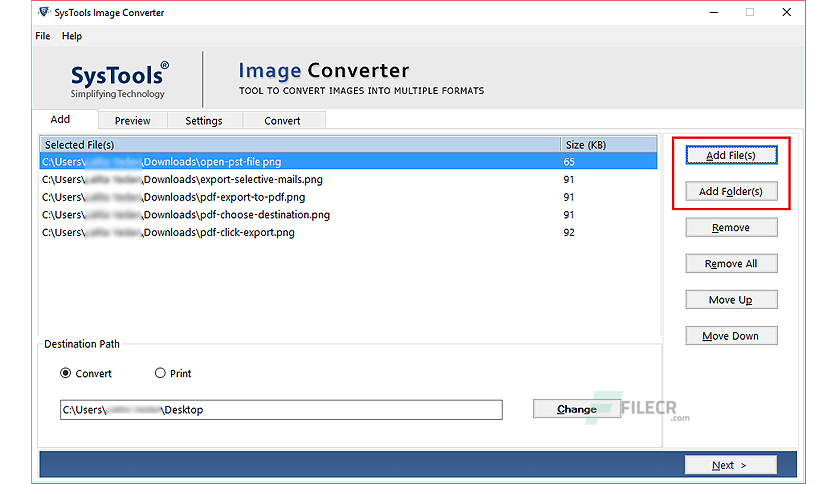
- Move Up and Move Down option to arrange images accordingly
- Preview of added images one after one before the image conversion process
- Facility to Add Multiple Images in a Single DOC, DOCX, and HTML file
- Manage Page Size, Margin, and Set Page Orientation
- Preserve the image quality even after the image file conversion
Technical Details and System Requirements
- Supported OS: Windows 11, Windows 10, Windows 8.1, Windows 7
- RAM (Memory): 2 GB RAM (4 GB recommended)
- Free Hard Disk Space: 200 MB or more
Leave a comment
Your email address will not be published. Required fields are marked *