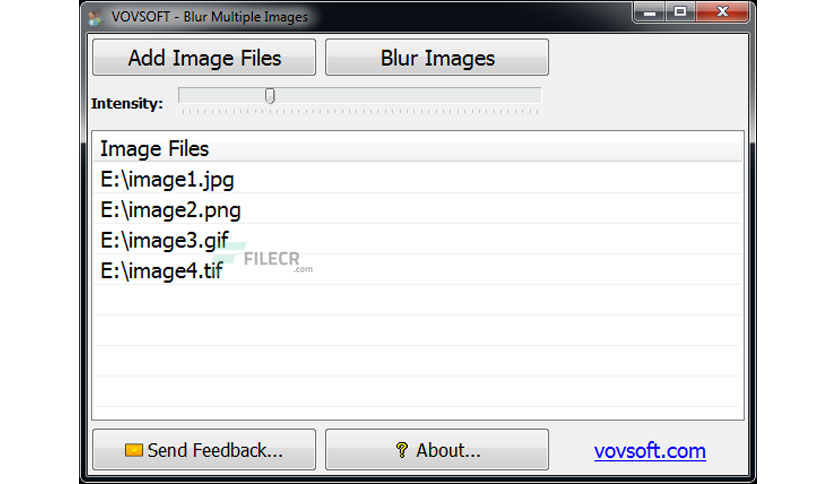
Free Download VovSoft Blur Multiple Images full version standalone offline installer for Windows. It is used to add a blur effect to large numbers of images easily.
Overview of VovSoft Blur Multiple Images
Most image editors enable you to apply various blurring effects to images. Still, the process is not always as straightforward as many users would like, and editing multiple files can take time.
It is a straightforward application that seeks to offer a more accessible solution. It allows you to apply a blurring effect in just a few easy steps.
Moreover, it makes importing and blurring pictures as simple as possible. Once you have added one or more files, you can view the list in the main window and remove any items accidentally imported.
Features of VovSoft Blur Multiple Images
- Lightweight & easy to use
- Add a blur effect to large numbers of images
- Add effect in just a single click
Technical Details and System Requirements
- Supported OS: Windows 11, Windows 10, Windows 8.1, Windows 7
- RAM (Memory): 2 GB RAM (4 GB recommended)
- Free Hard Disk Space: 200 MB or more
Leave a comment
Your email address will not be published. Required fields are marked *