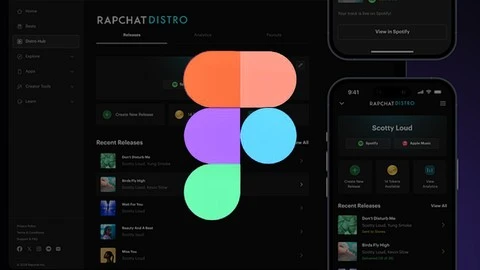
What you’ll learn
- UI/UX Design – What and Why?
- UX Psychology
- Introduction to Figma
- Figma Workspace and Interface
- Basic tools in Figma
- Prototyping in Figma
- Easing options and Prototype animation
- Smart animation in Figma
- Colour inspiration, colour palette and eyedropper tool
- Masking, Cropping and Image plugins
- Component and Effects
- Project of Web and App Interface Design
What you’ll learn in this class:
Introduction to Figma
Workspace and Interface Overview
Basic Tools in Figma
Using Pages in Figma
Prototyping in Figma
Easing Options and Prototype Animation
Smart Animation Techniques
Sharing and Adding Comments in Figma
Working with Columns and Grids
Color Inspiration, Palette Creation, and the Eyedropper Tool
Applying Gradients
Using Images in Figma
Masking, Cropping, and Image Plugins
Components and Effects
Exporting Images
By the end of this class, you’ll be able to:
- Design your own mobile app and web pages
- Create color palettes and gradients
- Develop a strong understanding of web design coloring
- Prototype your designs
- Use selected images to create buttons and style fonts on web pages
This is a project-based course, meaning you’ll actively apply what you learn through class projects. You’ll have access to supporting resources, making it easier to follow along.
By enrolling in this course, you’ll not only learn the latest design techniques and tools like Figma, but you’ll also get insights into creating intuitive user interfaces, optimizing user experiences, and prototyping efficiently.
If you encounter any issues or have questions during the learning process, feel free to reach out to me in the class discussion section. I’m always here to assist you.
Let’s begin our Figma journey for UI/UX design together!
Who this course is for:
Beginner who want to learn UIUX design with Figma