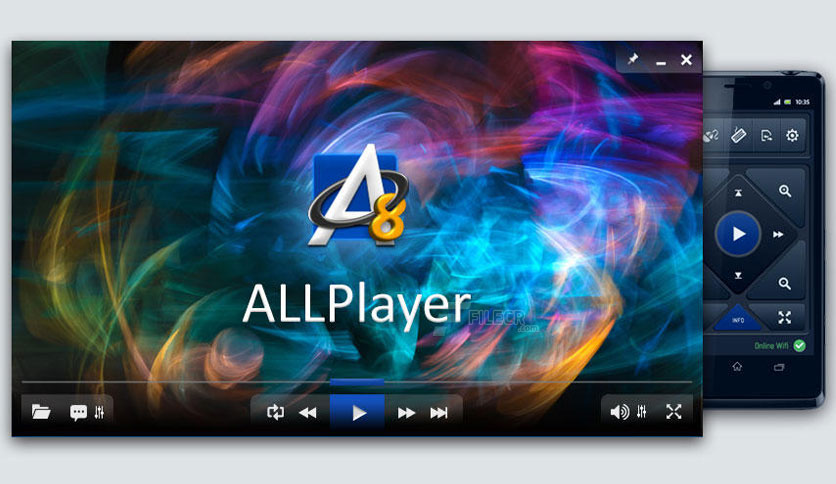
Free Download AllPlayer latest version standalone offline installer for Windows. It is a lightweight, free media player for watching movies with subtitles. It plays all known media formats.
Overview of AllPlayer
ALLPlayer is not merely an overlay for MediaPlayer; it uses DirectX, which makes it possible to play any movie. The program is also integrated with a speech synthesizer application, allowing you to watch movies with subtitles with a reader (dubbing).
Furthermore, it has an implemented LiveUpdate function to update the latest codecs if there is a problem with opening a movie file. The program also searches for matching subtitles in all languages automatically. ALLPlayer can play multiple videos, and audio formats feature intelligent subtitles, letting you customize everything quickly.
It also has a built-in free converter that can convert new formats like x264 or MKV to the format playable on your DVD/DivX device, PSP, iPod, iPhone, and other mobile phones. It also has a live updater, updating you with the latest codecs pack.
Features of AllPlayer
- ALLContainer – film review, cover, and subtitles all in one file.
- SnapShot – takes pictures of the films (stills) – F12 key.
- Option to redefine the keyboard.
- Automatic shutdown after watching a movie.
- Automatic switching off of the monitor after watching a movie.
- Frame-by-frame browsing.
- The ability to play the movie as a desktop background.
- Possibility of changing the playback speed from 0.1x to 2x film speed.
- Possibility of changing contrast, brightness, or saturation.
- OSD – On-Screen Display.
- The ability to skip the film set in the program settings (default 10 seconds).
- Any size of the window for the movie – using the mouse-drag option.
- Zoom in full-screen mode.
- Easy access to recently opened files.
- Repeat function.
- Widescreen TV support.
- Automatic selection of image resolution in full-screen mode.
- Option to adjust film volume separately from computer volume.
Technical Details and System Requirements
- Supported OS: Windows 11, Windows 10, Windows 8.1, Windows 7
- RAM (Memory): 2 GB RAM (4 GB recommended)
- Free Hard Disk Space: 200 MB or more
Leave a comment
Your email address will not be published. Required fields are marked *