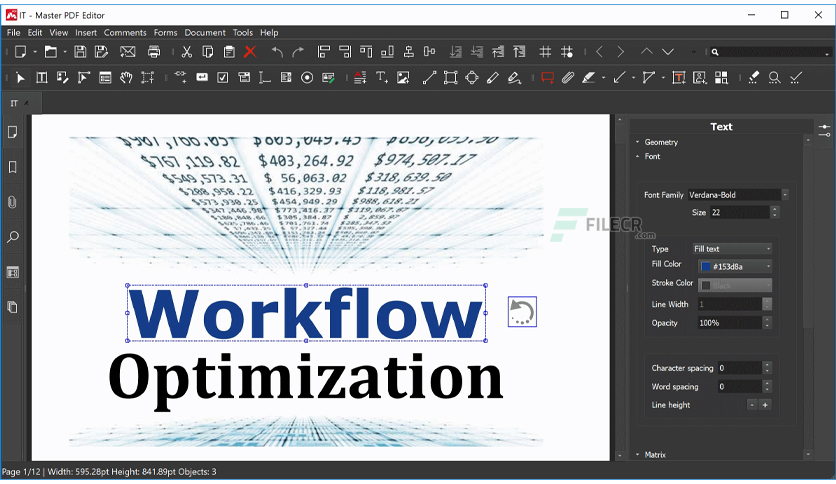
Free Download Master PDF Editor full version standalone offline installer for Windows. It is an easy-to-use application for editing PDF documents.
Overview of Master PDF Editor
This is a straightforward, easy-to-use application for working with PDF documents equipped with powerful multi-purpose functionality.
It allows you to view, create, and modify PDF documents easily. The application also enables you to merge several files into one, split a source document into multiple documents, and comment, sign, and encrypt PDF files.
Moreover, you can add text with any formatting to a PDF document or edit existing text. You can also insert images to the document, select and move objects, change the size of objects, save images to a file, and copy objects to the clipboard.
Features of Master PDF Editor
- Annotate PDF documents
- Create and fill in PDF forms
- Optical character recognition
- Operations on pages
- Virtual PDF printer
- Digital signatures
- Create PDF documents
Technical Details and System Requirements
- Supported OS: Windows 11, Windows 10, Windows 8.1, Windows 7
- RAM (Memory): 2 GB RAM (4 GB recommended)
- Free Hard Disk Space: 200 MB or more
Leave a comment
Your email address will not be published. Required fields are marked *