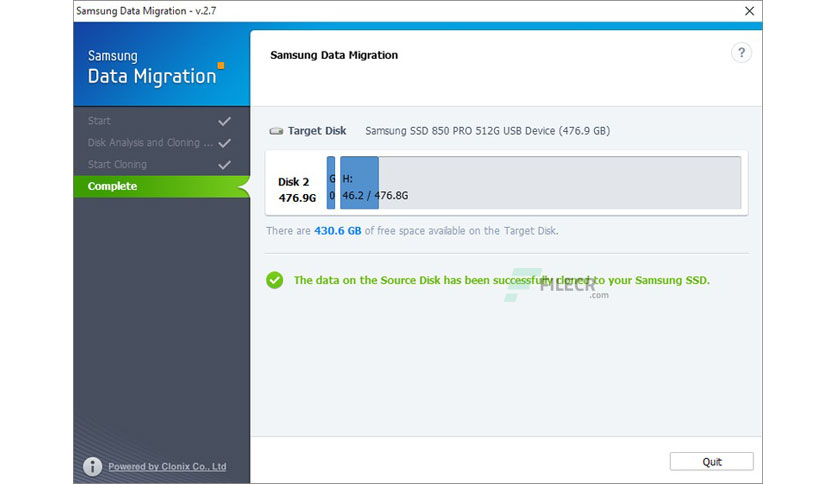
Free Download Samsung Data Migration 4 full version standalone offline installer for Windows; it lets you clone your hard drive to your new Samsung SSD drive in just a couple of steps.
You can also FREE download FabulaTech USB for Remote Desktop
Overview of Samsung Data Migration 4
This program lets you connect your Samsung SSD drive and clone your hard drive to your new Samsung SSD drive in just a couple of steps. Samsung SSD Magician can manage the health and performance of your Samsung SSD.
While you can easily use a program like Acronis True Image or Macrium Reflect, Samsung is one of the only companies that provide software with their SSD drive for migrating effortlessly to an SSD from a standard drive.
Plugin your SSD drive, install it and clone your old drive to your new SSD drive in just a couple of steps with a simple, easy-to-use interface.
Features of Samsung Data Migration 4
- Clone your Samsung Drive
- Effortless migration
- Easy to use interface
Technical Details and System Requirements
- Supported OS: Windows 11, Windows 10, Windows 8.1, Windows 7
- RAM (Memory): 2 GB RAM (4 GB recommended)
- Free Hard Disk Space: 200 MB or more
Leave a comment
Your email address will not be published. Required fields are marked *